Resume writing
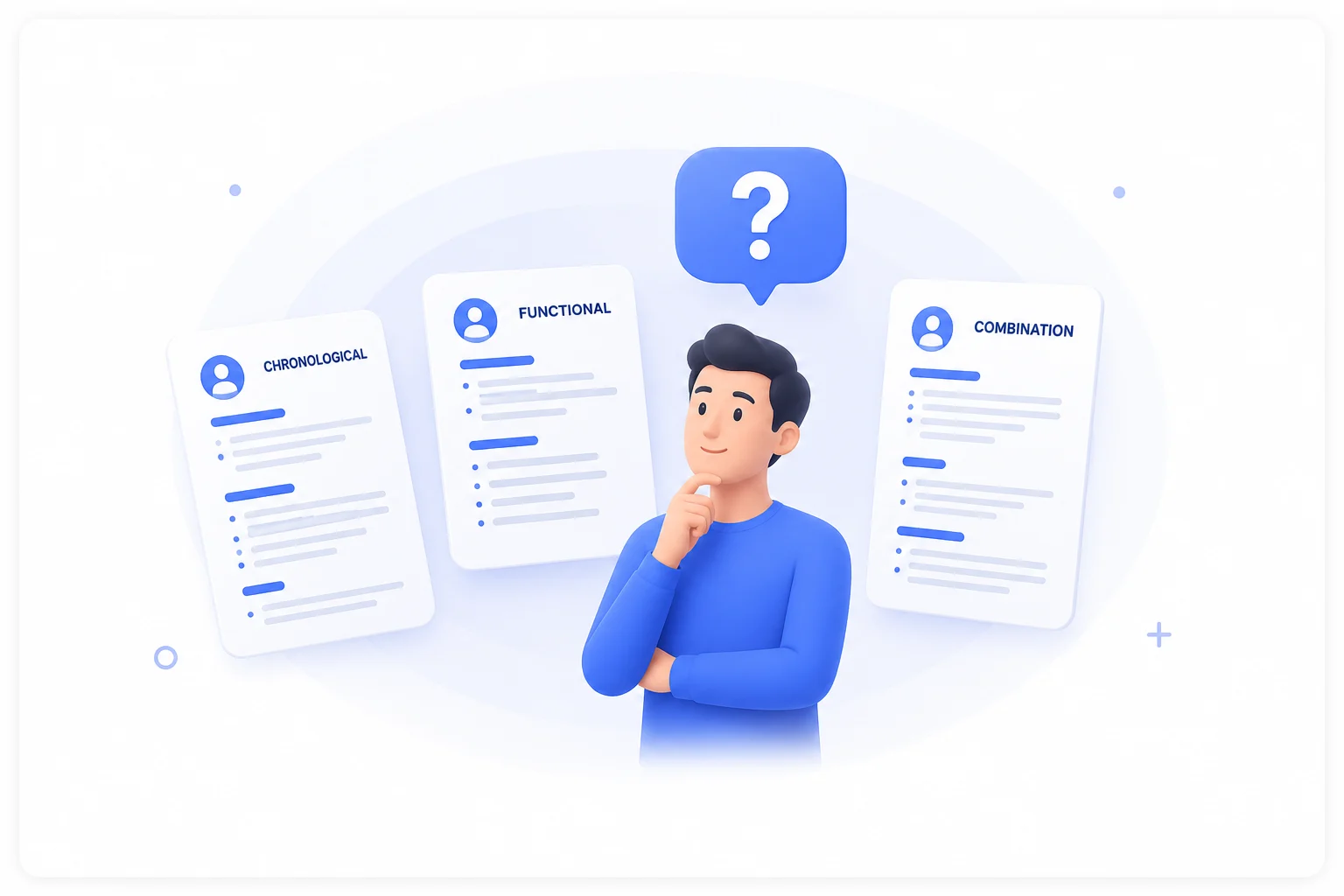
How to Write a Resume That Gets Read
What a recruiter looks at in the first six seconds, and how to put it there.
Read the guide· 11 min
Most resume builders hand you an empty form. This one starts from how you actually talk about yourself — then lays it out on a real page you can see while you edit it. Resumes and traditional Indian marriage biodata, 16 templates, free.
However you start, you land in the same editable document — nothing is locked to the route you took to get there.
Write — or say — a few lines the way you would to a friend. We turn it into a full resume.
StartFastestUpload a PDF, a scan or a photo. We read it into an editable document you can restyle.
StartClassicPick a design and fill in the blanks, section by section, with the page updating as you type.
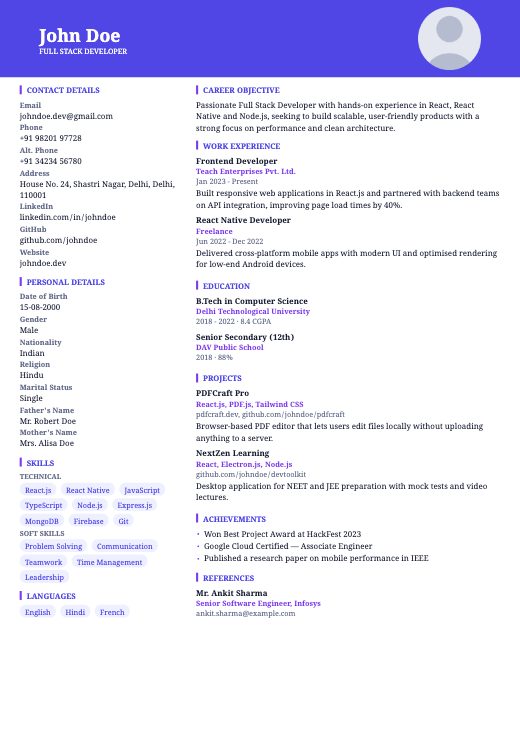
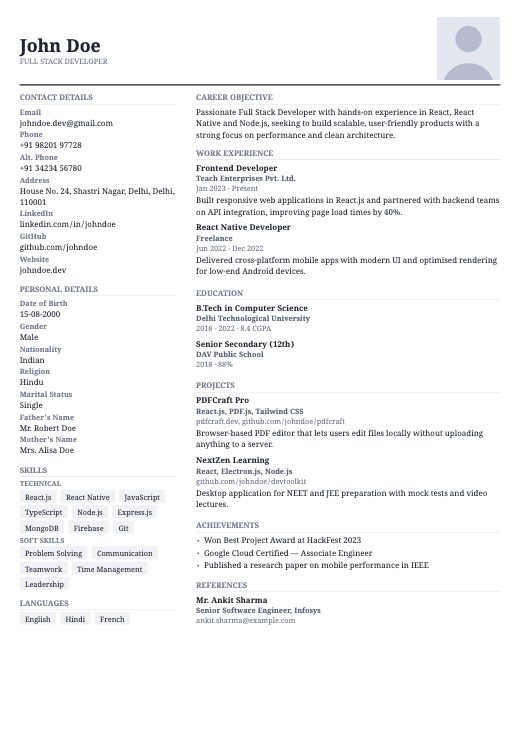
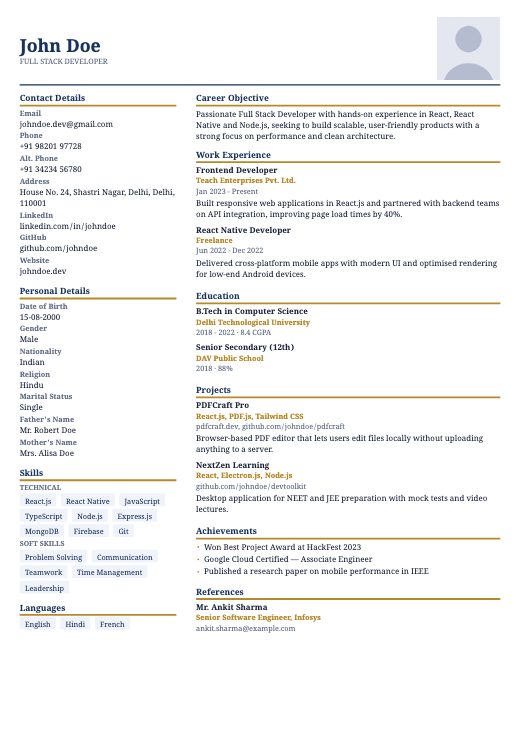
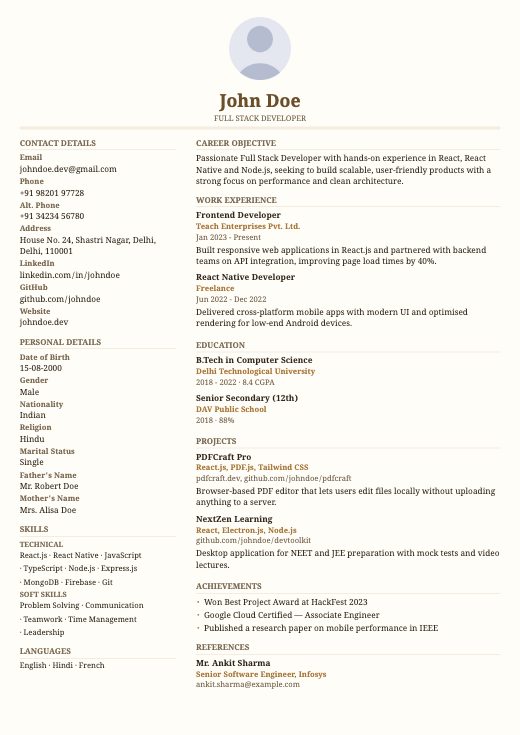
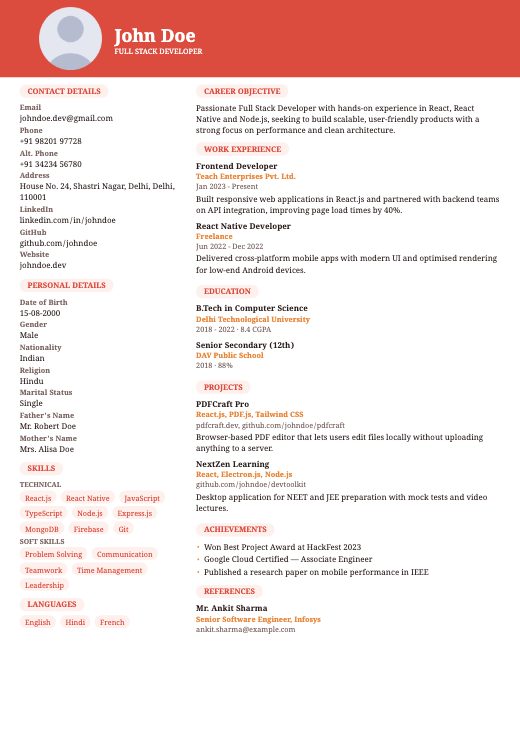
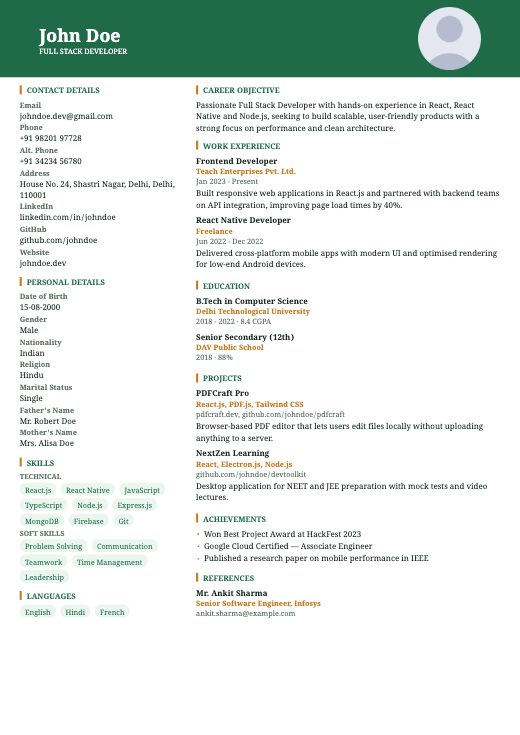
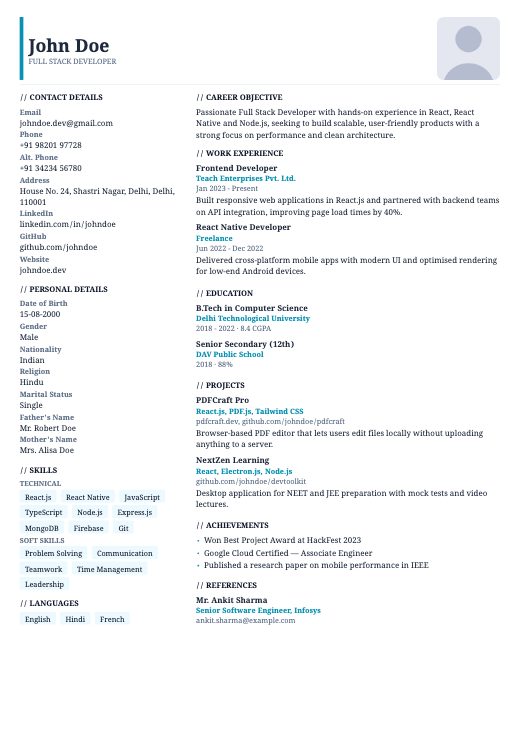
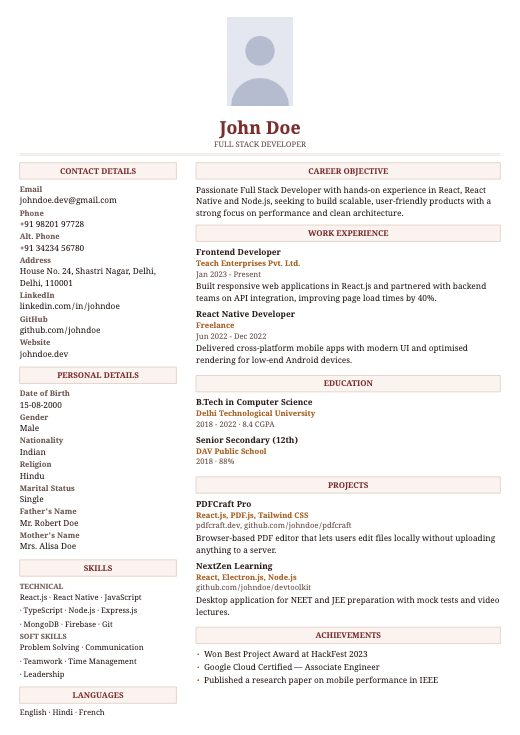
StartEvery card below is the real document, drawn in your browser by the same engine that makes your PDF. Pick one — you can change it later without retyping a word.
Not a picture of one. The page on screen is the same file you download, drawn once — so nothing shifts when you save it.
Devanagari is shaped with a real font rather than mapped character by character, so a biodata blessing comes out as letters, not boxes.
Drag any section anywhere, hide the ones you do not need, add your own. Every template works with every arrangement.
No account, no upload, no cloud. Your documents are saved on your own device and never sent anywhere unless you use an AI feature.
About ten minutes from nothing to a PDF worth sending.
Describe yourself, import a resume you already have, or pick a template and type.
Drag sections into the order you want. A free ATS score tells you what a screening system will make of it.
Real, selectable text — the kind an applicant tracking system can actually read. Share it straight from your phone.
A free score against the rules applicant tracking systems apply, plus a paste-in job description to see which of its terms your resume already covers.
Resume writing
What a recruiter looks at in the first six seconds, and how to put it there.
Read the guide· 11 min
ATS & screening
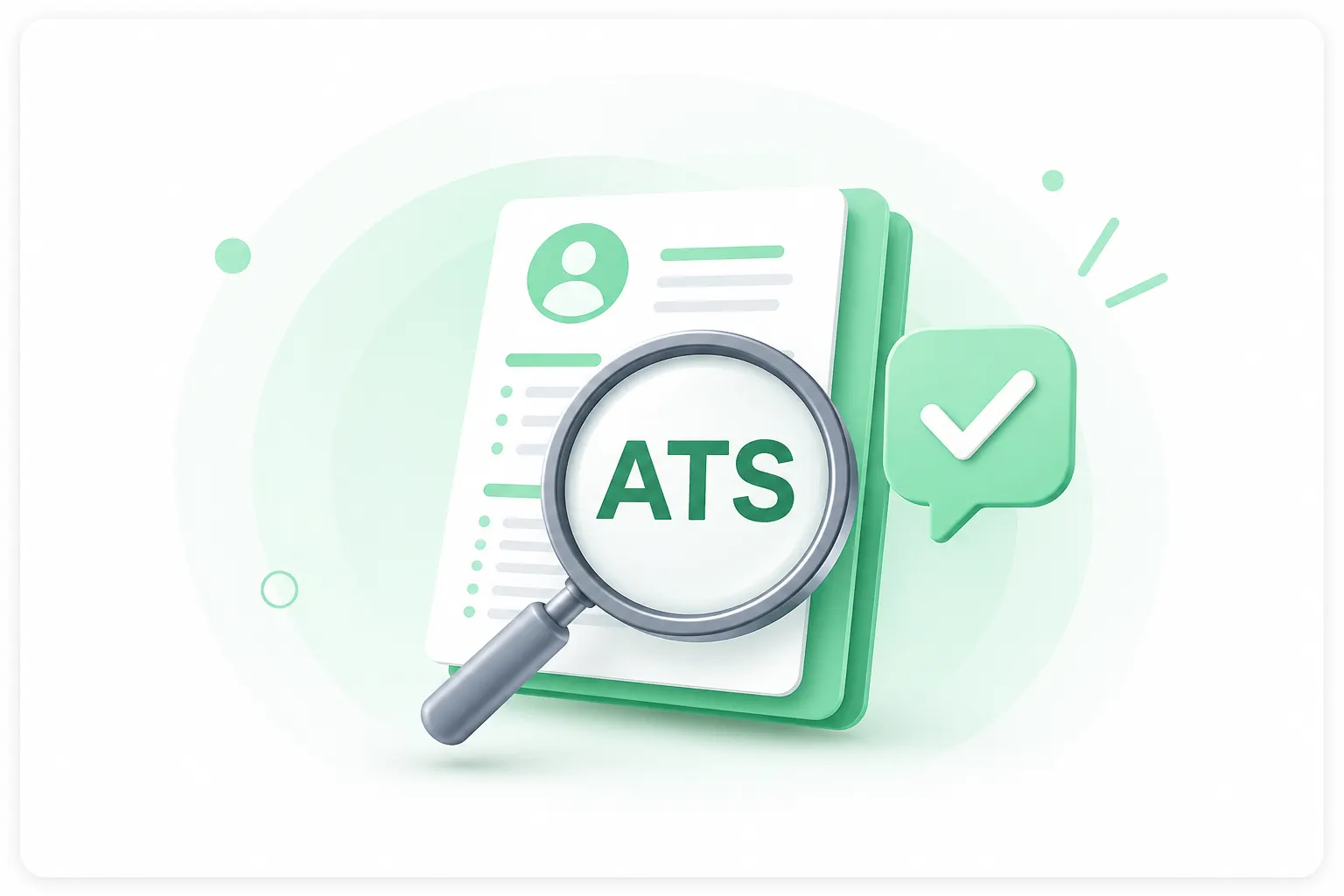
Why some resumes never reach a human, and the formatting choices that cause it.
Read the guide· 9 min
Resume writing
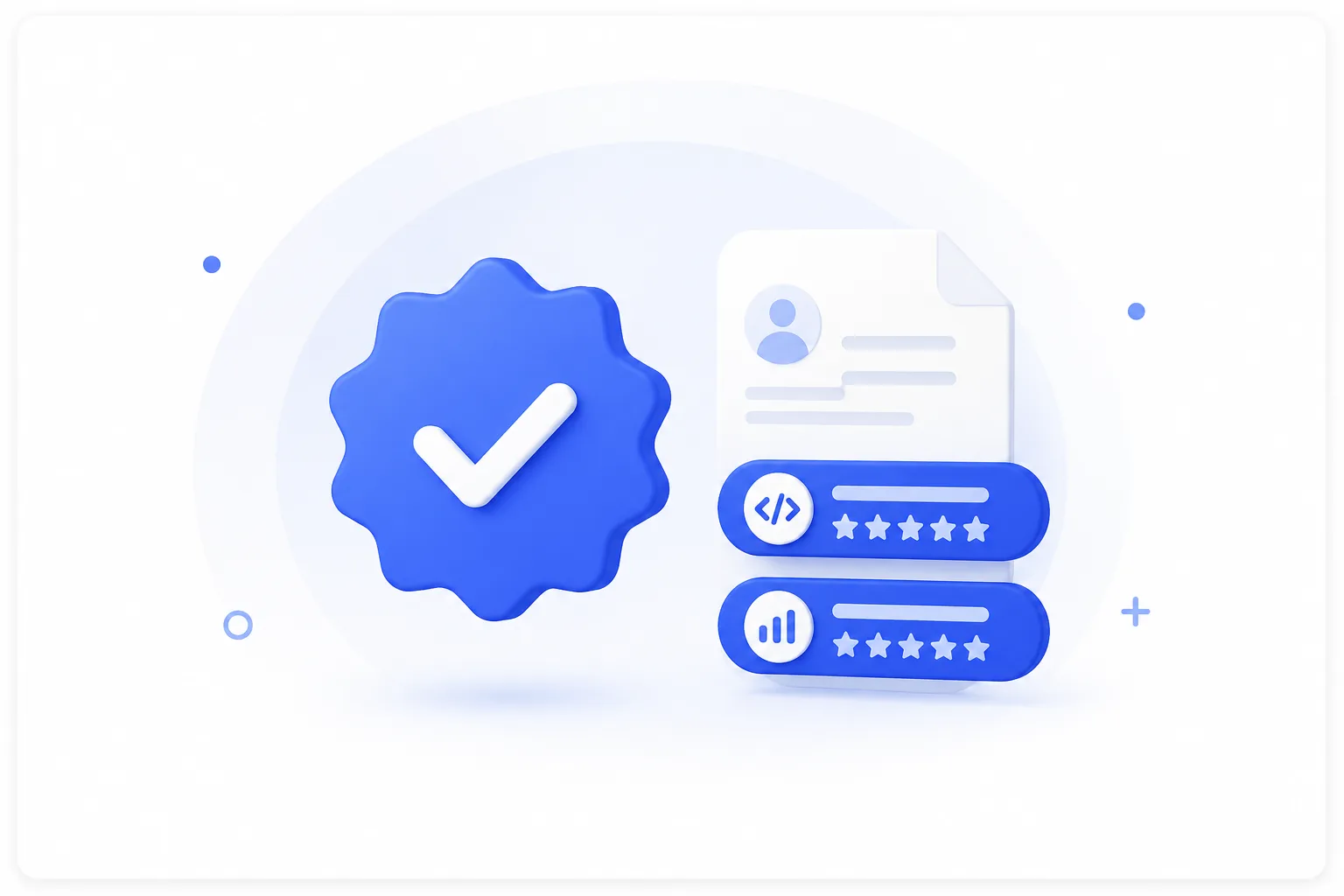
How to choose the ones that match the job instead of listing everything you know.
Read the guide· 8 min
Marriage biodata
The sections an Indian marriage biodata is expected to carry, and how to lay them out.
Read the guide· 10 min
Yes. Every template, the AI features, the ATS check and the PDF download are free, with no sign-up and no limit on how many documents you make.
No. Your documents are saved in your own browser, so you can close the tab and come back to them. Nothing is uploaded to us and there is nothing to log in to.
Exactly like it. The preview is not a rendering of the design — it is the PDF itself, drawn once and displayed page by page. What you see is the file you get.
It is the document Indian families exchange for marriage proposals: personal, family and horoscope details rather than work history. There are eight biodata templates here, several printed on traditional artwork, and Hindi text prints correctly.
The PDF is real text rather than an image, which is the part that matters most. The built-in ATS check scores your document against the rules screening systems apply — including warning you when a two-column layout or a photo could cause trouble.
It is sent to Google’s Gemini API to be processed and is not stored by us. We ask for your permission first and say plainly what is involved, because the free Gemini tier allows Google to use submitted content and have reviewers read it.
Yes. It stays in your browser, so you can reopen it, change anything, switch to a different template and download it again.
Yes — CVCraft on Google Play is the same builder as an Android app. This site works the same way in a phone browser, with no install.